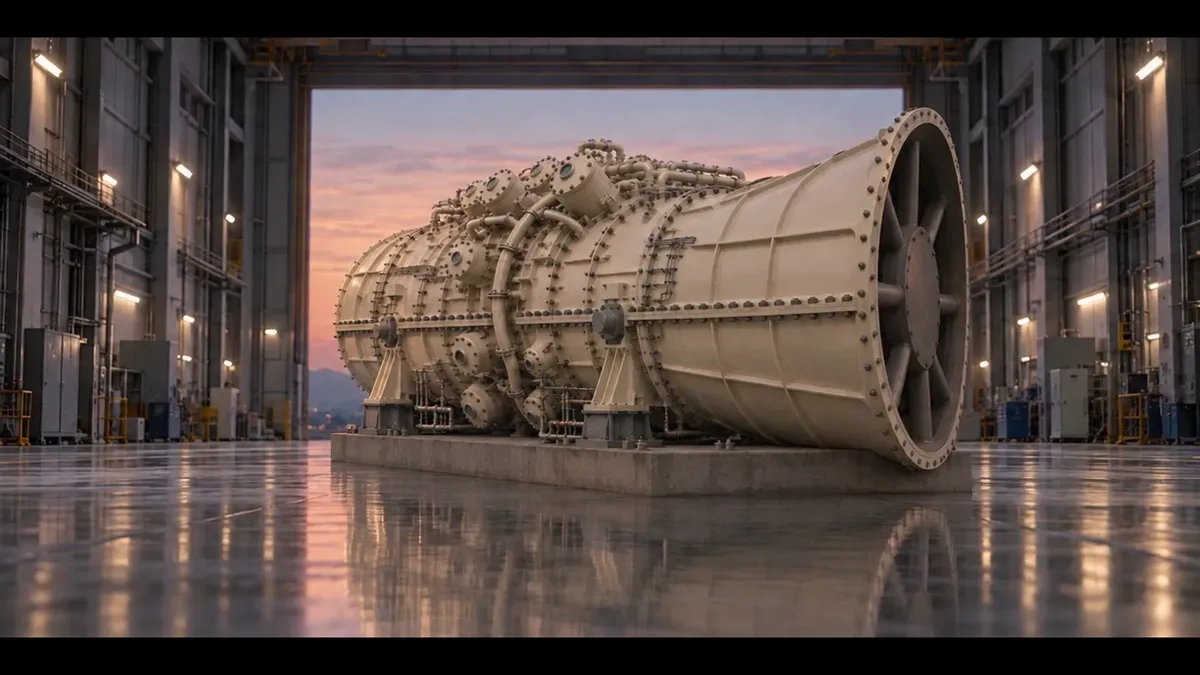
The years spent in front of the camera set the standard for directing.
10years
“True to Love (Bora! Deborah)”, released on Netflix
tvN “Comedy Big League”
Selected in the 2026 Seoullo Media Canvas open call
PULSE app
We check three times before making it.
We fix things before the video is rendered. Below are actual screens from the PULSE app.
PULSE app
Pause, and comment on that exact moment.
Put the first and second versions side by side and see what changed.
An actual screen from the PULSE app
What’s ready · Casting
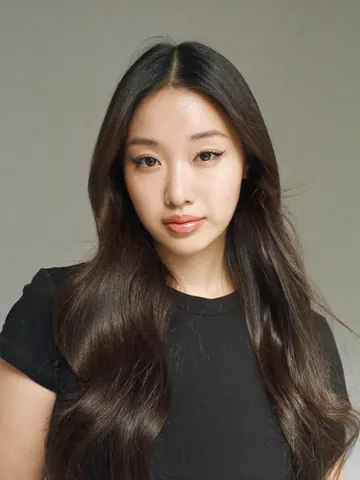
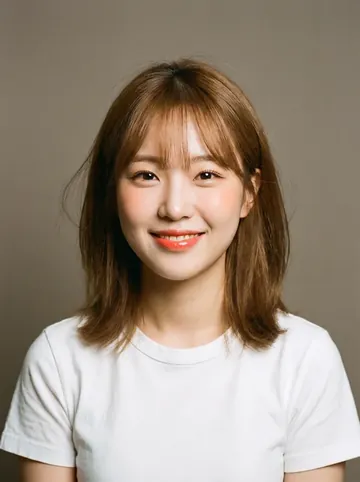
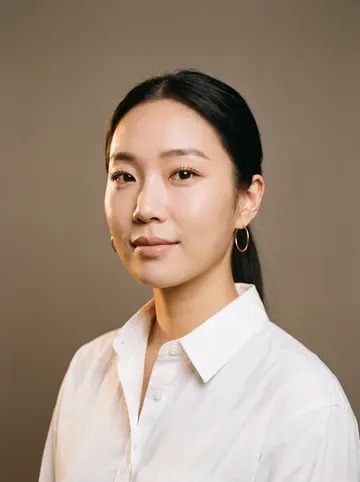
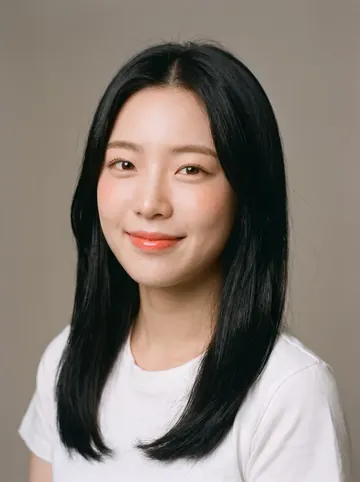
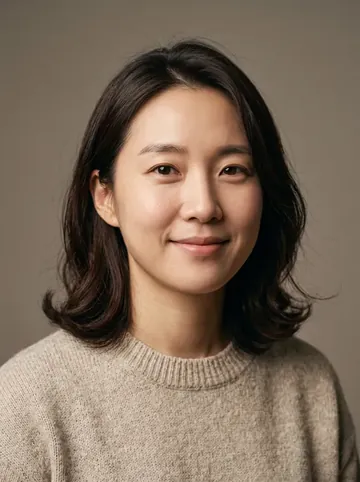
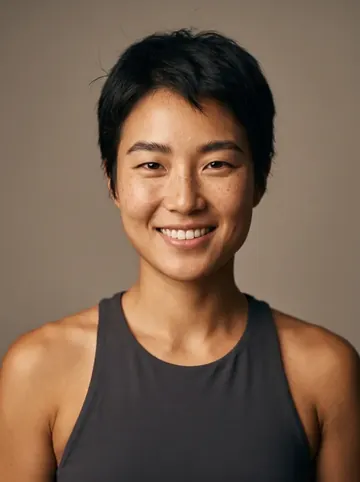
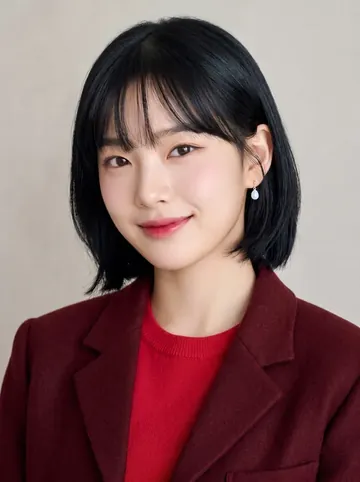
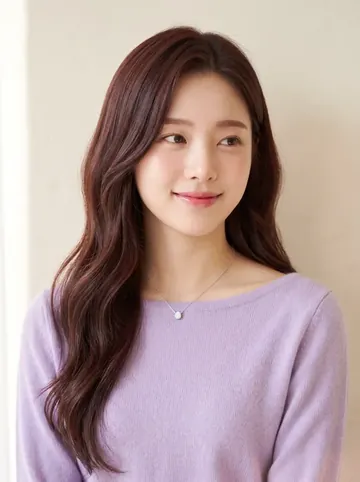
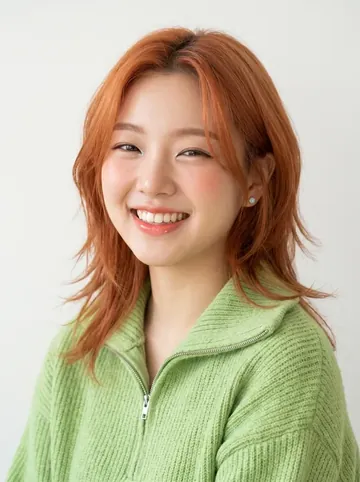
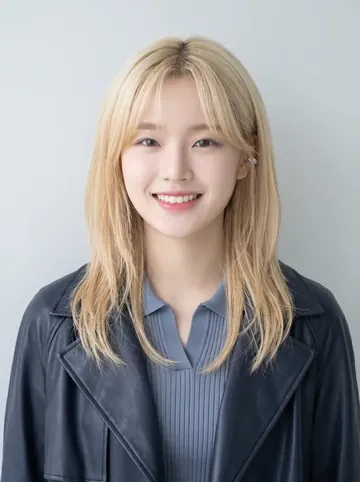
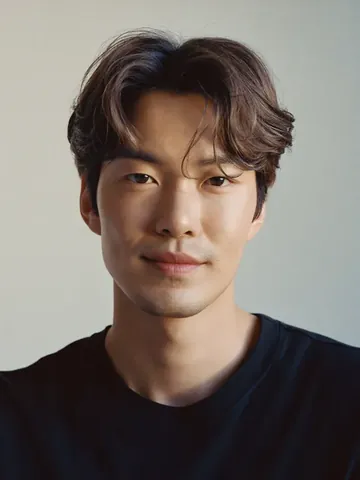
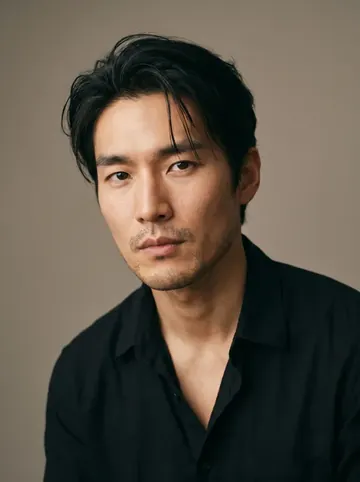
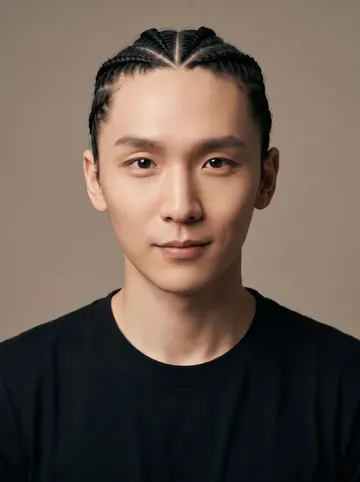
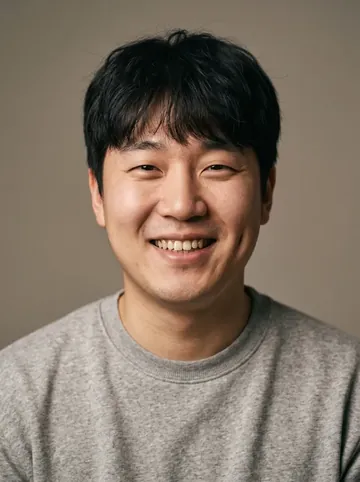
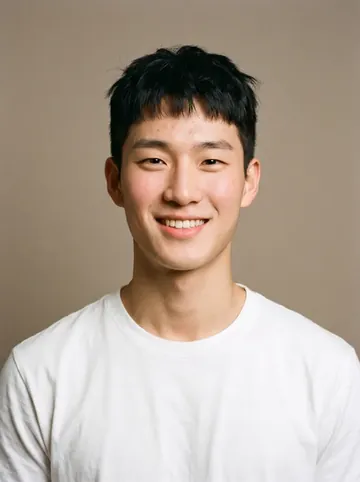
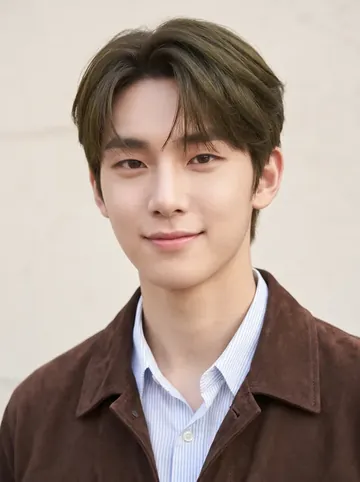
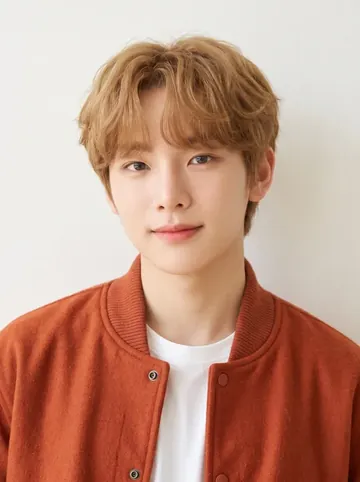
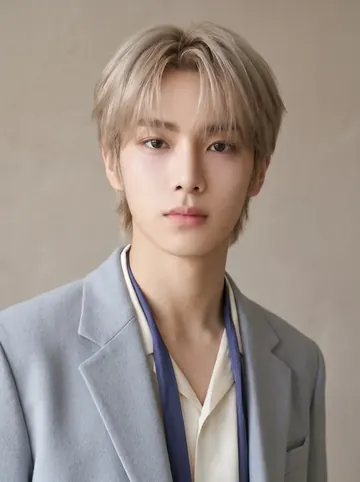
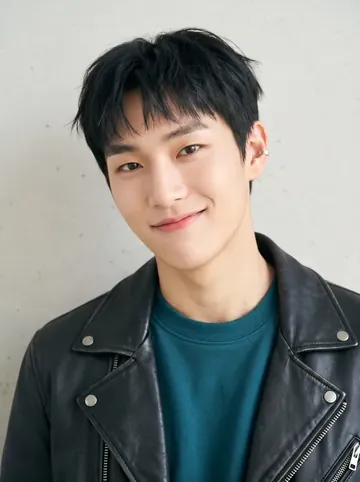
Twenty-one models, outfit and hair chosen in advance
Each model has three outfits and three hairstyles ready as photos. Try picking them yourself.
Outfit
Hair
Model
In the app you choose up to two of the twenty-one. You can also choose “Recommend for me” or “Product only, no people”, and you can leave outfit and hair to our staff.
The models are virtual, not real people. We do not take requests to make a model resemble a real person.
What’s ready · PULSE app
From brief to delivery, in one app
Below are actual screens from the app.
BriefNine screens and it is done. Pass any field you are unsure of with “We’ll suggest”, and if you stop midway you can pick up where you left off. The price and your delivery date show right there.
Choosing direction and modelYou receive two directions together with models, and choose. Outfit and hair are also chosen from photos at this point.
Written storyboard and scene imagesYou see every shot first in words, then in pictures. If we need anything more, we ask only about the missing fields.
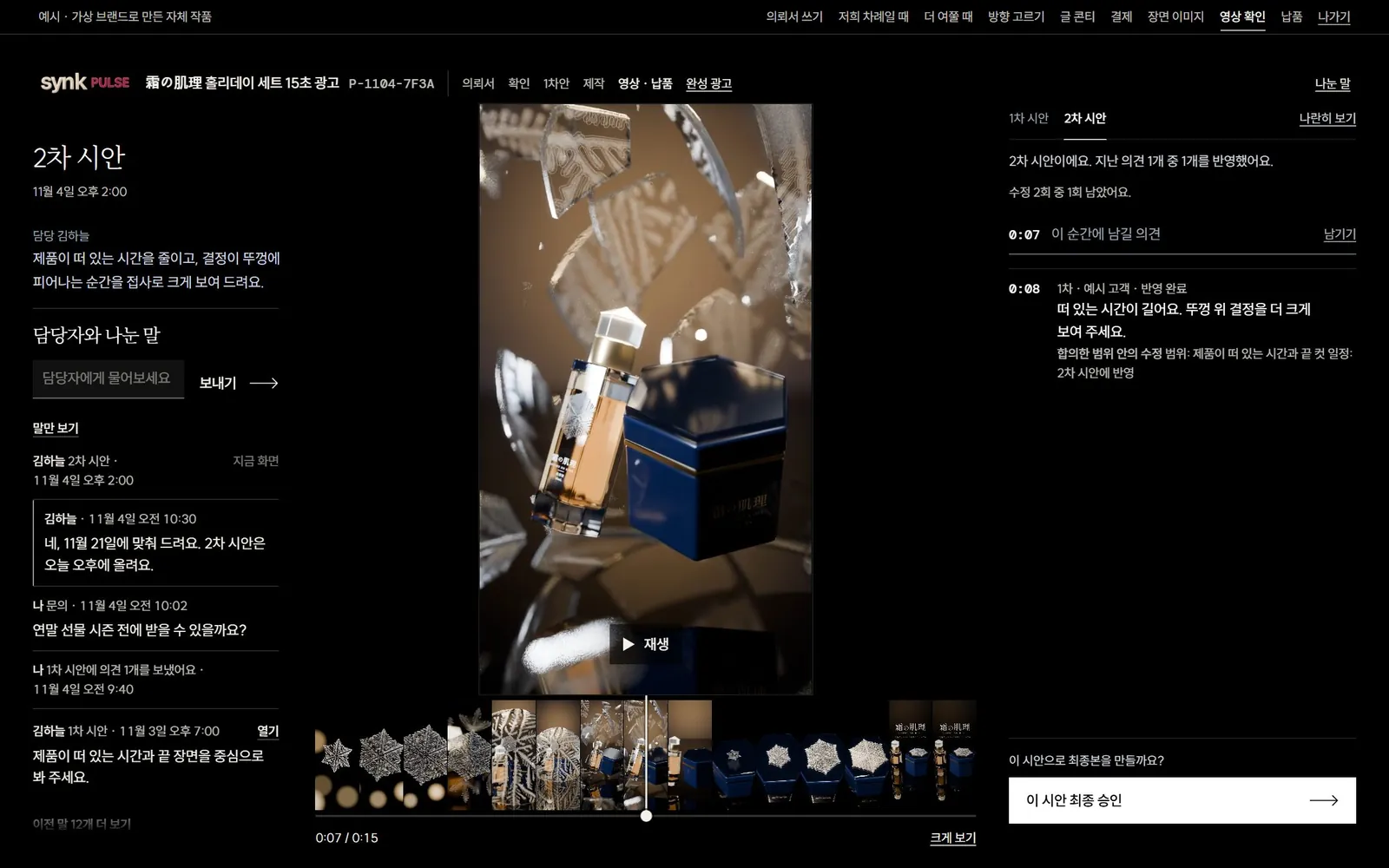
Video review and deliveryYou receive files in the aspect ratio that fits where you will post. Products and logos are not drawn with AI; we use the real photos you send.


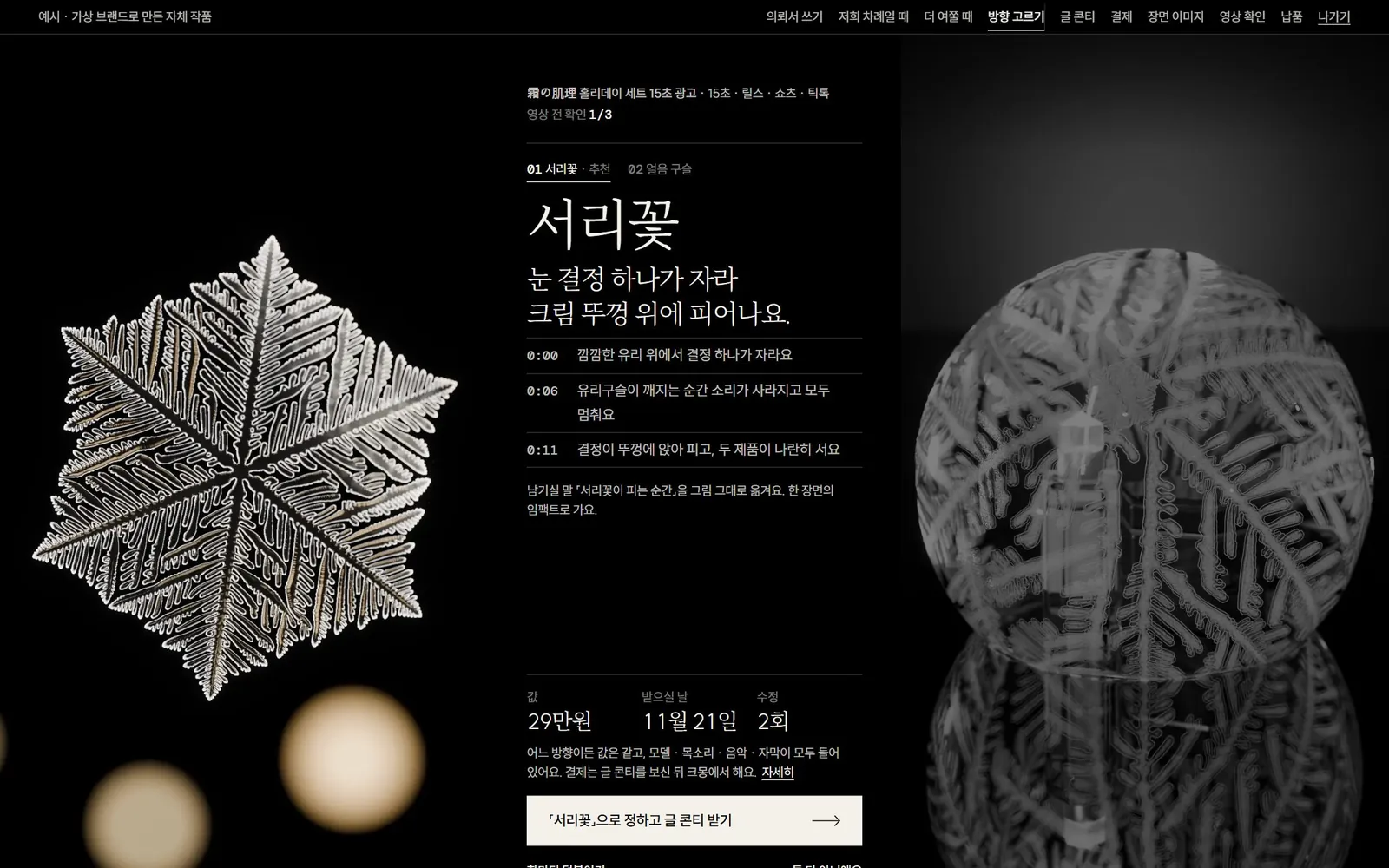
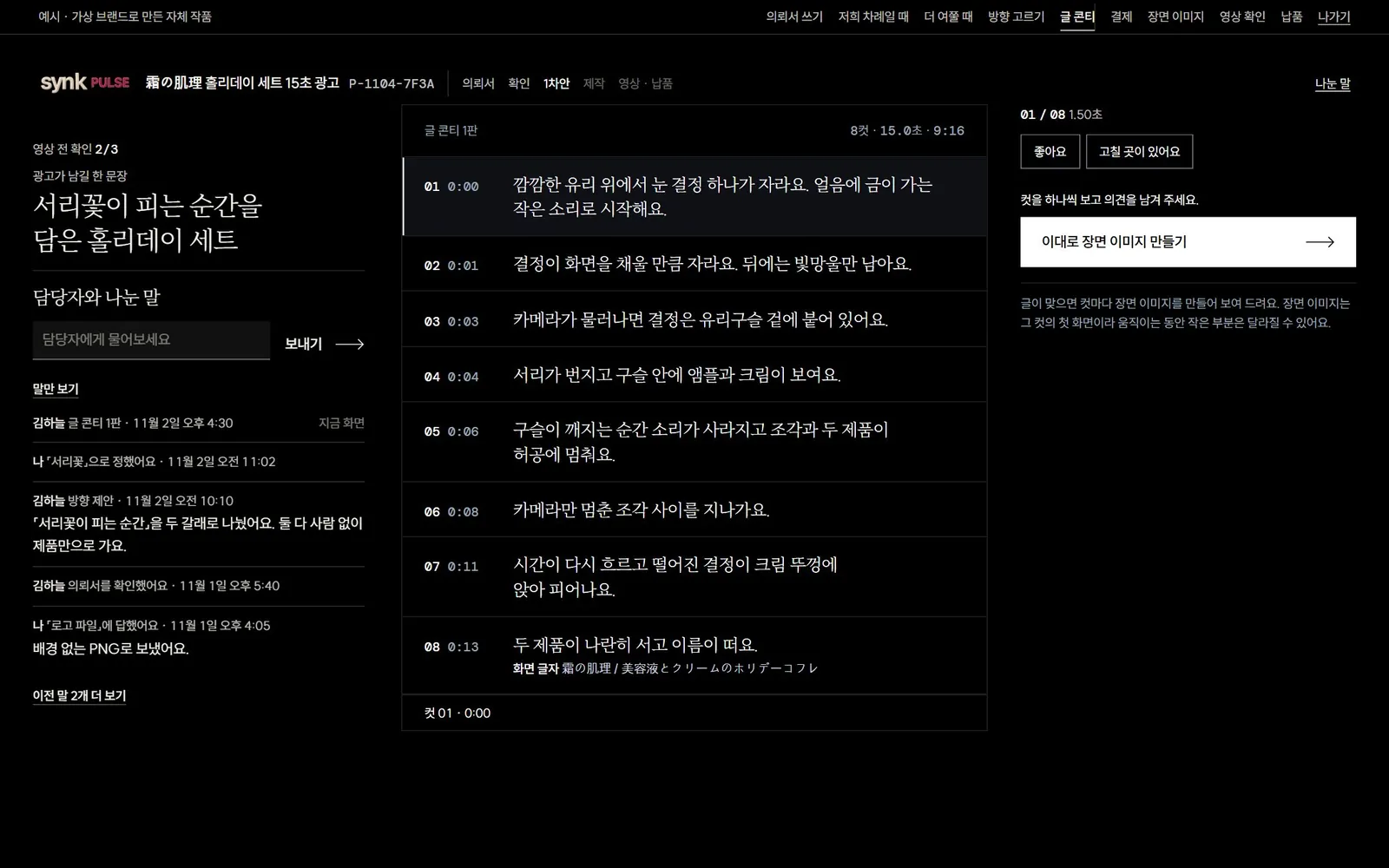
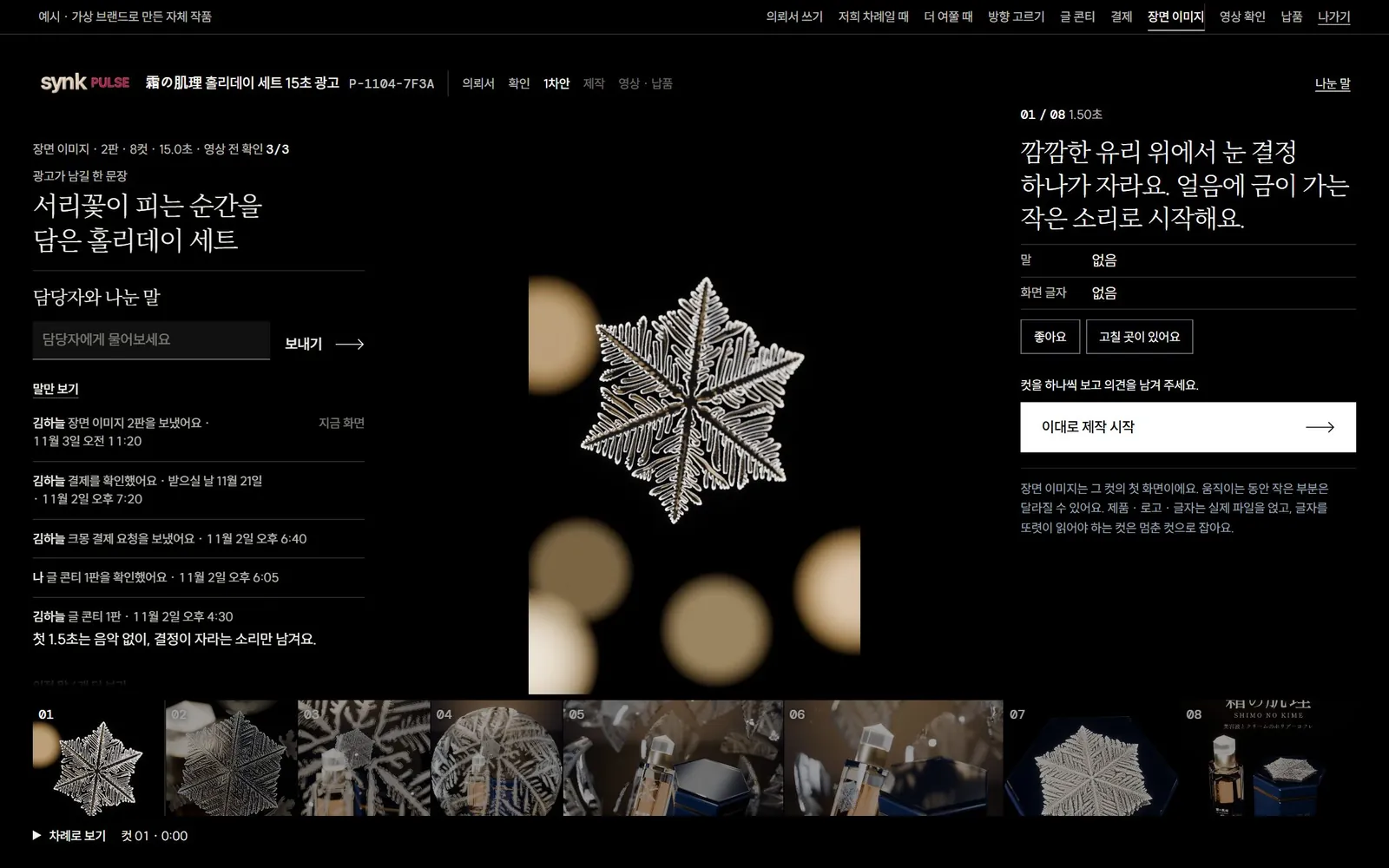
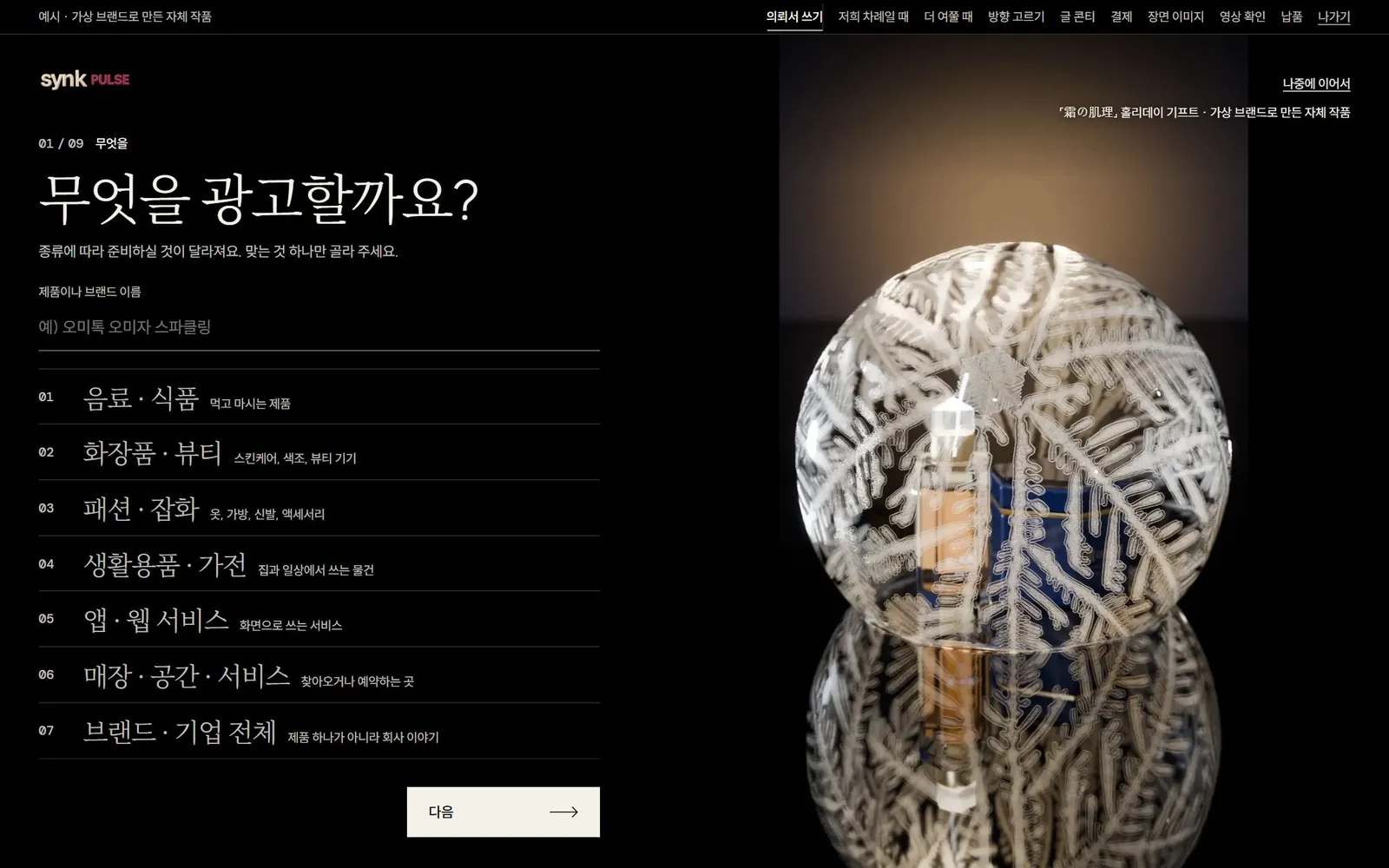 BriefNine screens and it is done. Pass any field you are unsure of with “We’ll suggest”, and if you stop midway you can pick up where you left off. The price and your delivery date show right there.
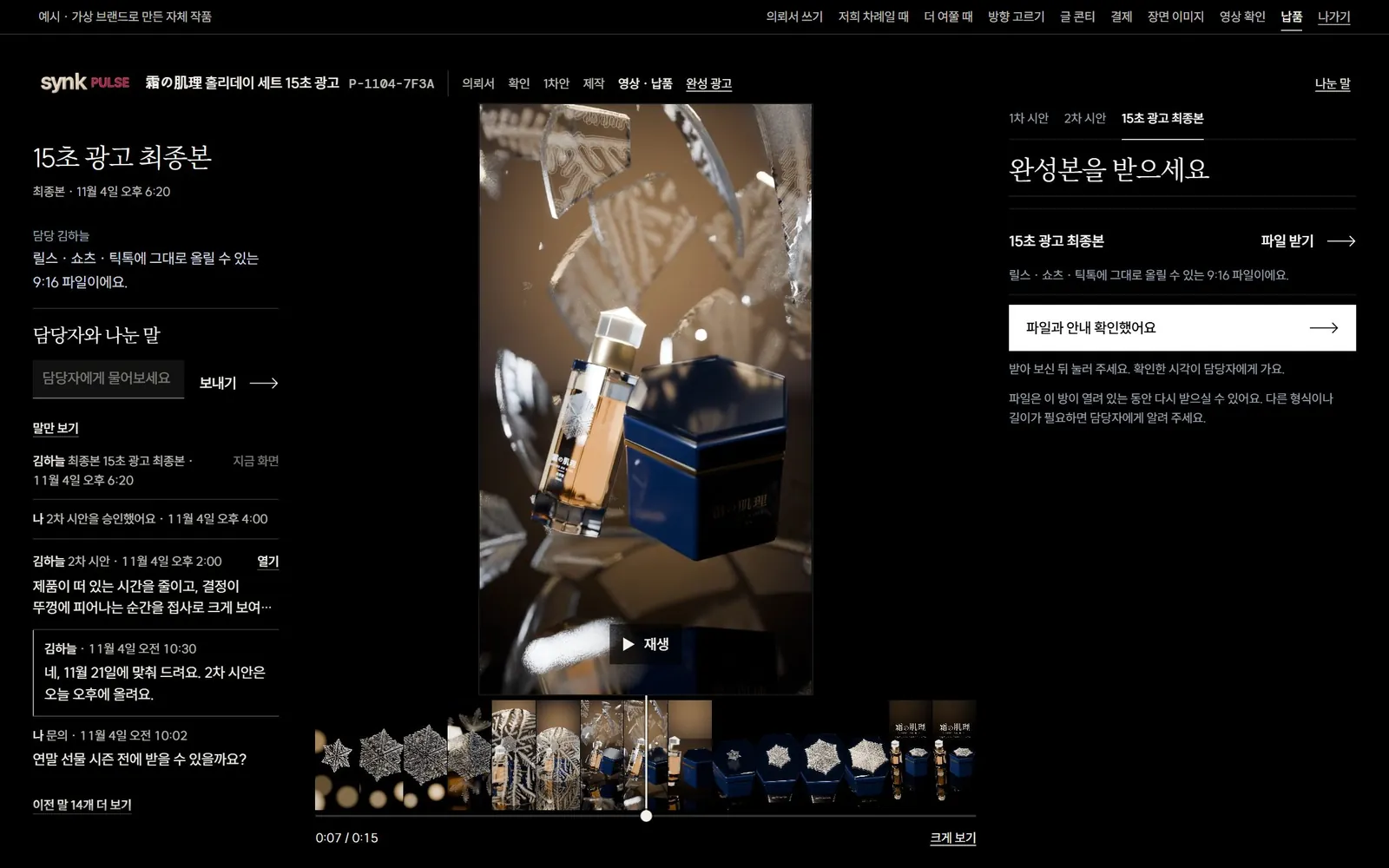 Video review and deliveryYou receive files in the aspect ratio that fits where you will post. Products and logos are not drawn with AI; we use the real photos you send.