AI training · Consulting · Branding for organizations

AI training and branding for companies and institutions

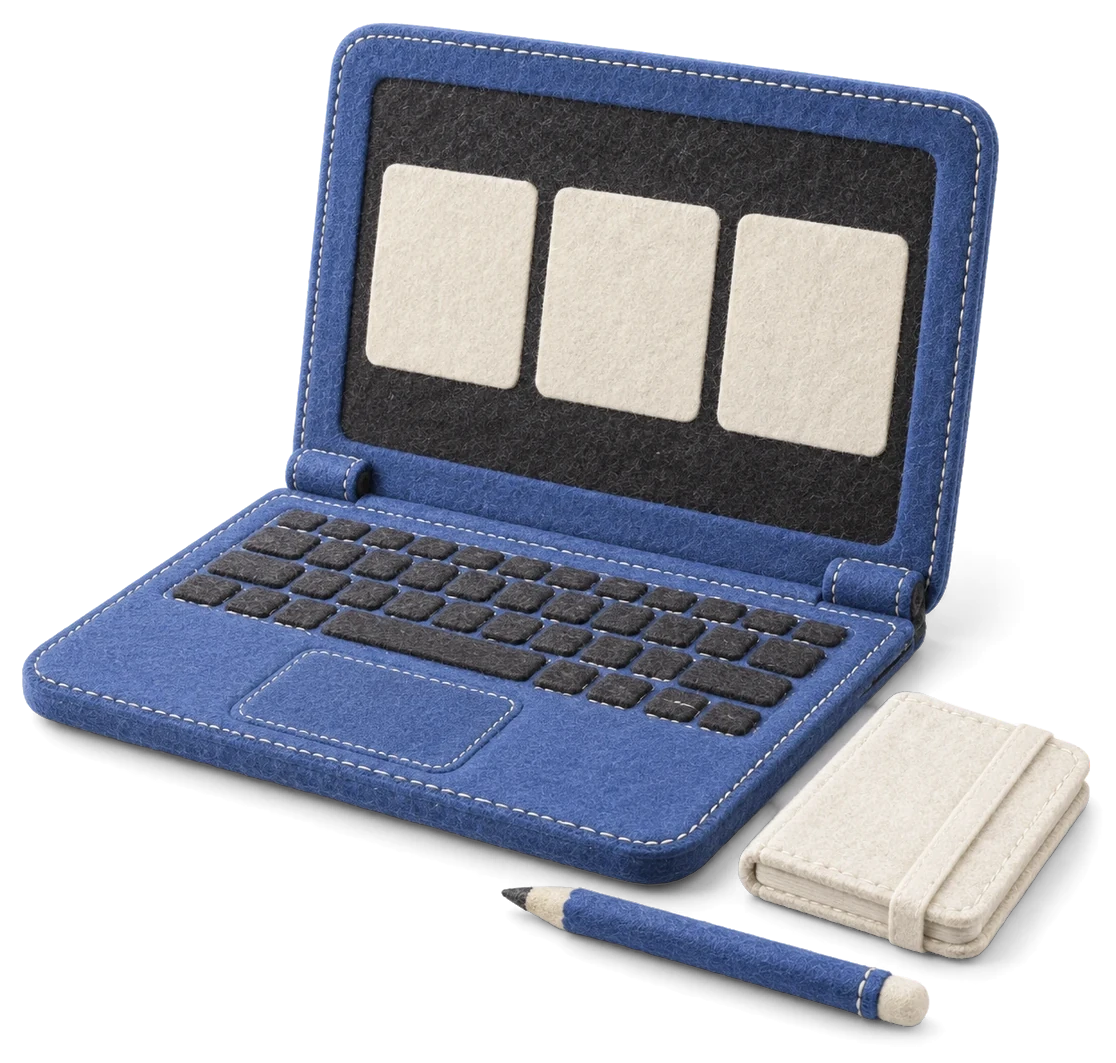
A soft blue felt laptop, notebook, and pencil with stitched details

SYNK SHIFT is preparing AI training, hands-on workshops, business consulting, and branding for companies and institutions. We tailor the training and production process to participants' experience and actual work.

SHIFT's vision & philosophy

Learn AI
Put it to work

Knowing AI tools is not the same as using them at work. We are preparing training and consulting in which people make and review real work, finding what fits their own job.

Services for companies & institutions

AI training and branding
for your organization

We start from the work to be solved and the participants’ experience, and set the scope around results they will actually use.

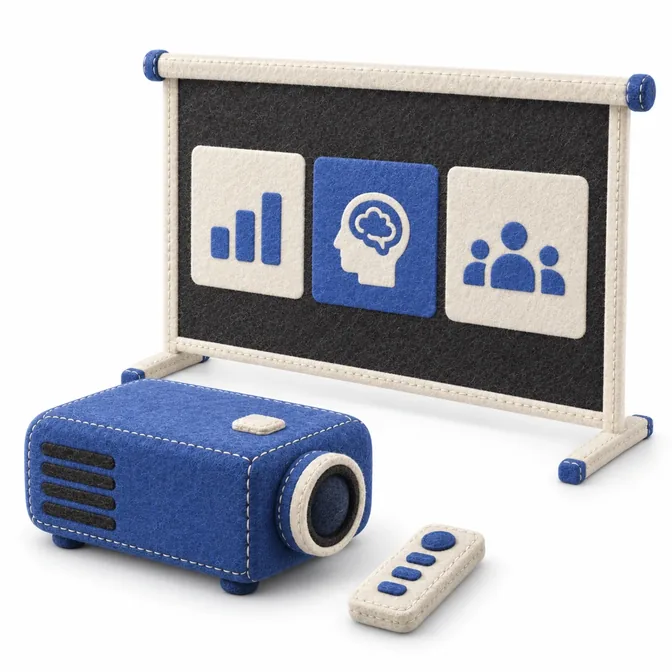
A blue felt projector and training screen displaying an AI exercise
01 / 03

AI lessons & hands-on practice

Ask, compare and revise on tasks close to real work until it is finished.

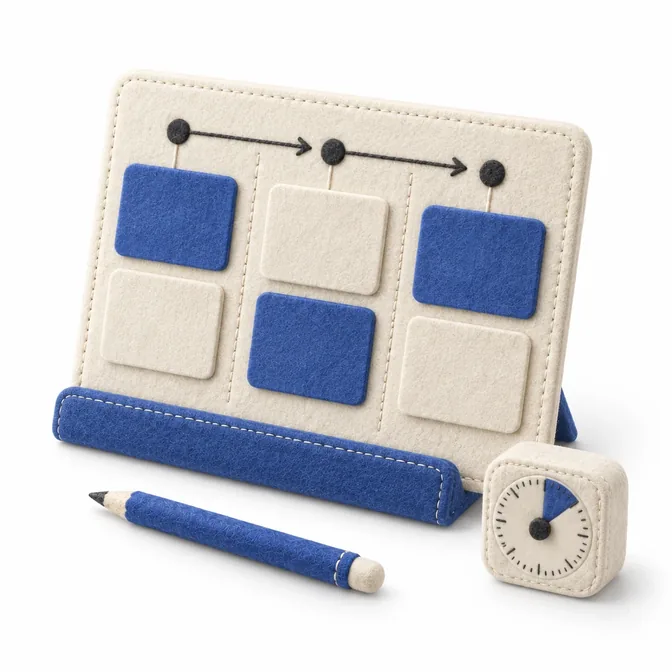
A blue felt workflow board showing tasks and how they connect
02 / 03

Business consulting

Separate repetitive work from human judgement, and decide where AI helps and how results are checked.

A blue felt branding concept with color swatches, business cards, and packaging
03 / 03

Company branding

Express what the company does and the value it gives customers in logos, websites and content.

Our process

Learn and create
through real work

We teach with the actual files, prompts and revisions from building SYNK, and hand over results together with how to use them.

Understand the task and goal

First we settle who will use it, what is hard and what result is needed.

Learn, practice, and create

Make things with examples from your own work, and learn how to judge and revise them.

Review and hand over

Check results where they will really be used, then hand over the work, editable source files and instructions.

The scope, schedule, and deliverables for training, consulting, and branding are agreed individually. The examples below are SYNK's own work.
Try creating with AI

How do you ask AI,
then improve the result?

Explore the process through Mongle's blinking eyes. See the finished motion, try a prompt you can copy, and learn how to compare the work before and after revision.

Start with the finished result

Keep the character
Animate only the eyes

In this example, only the eyes move; the body shape, fur, and color stay the same. Pause with the eyes closed to inspect the finish around them.

Select “Show closed eyes” to inspect the eye area and body outline.

Compare on a larger screen (Korean)

The finished animation

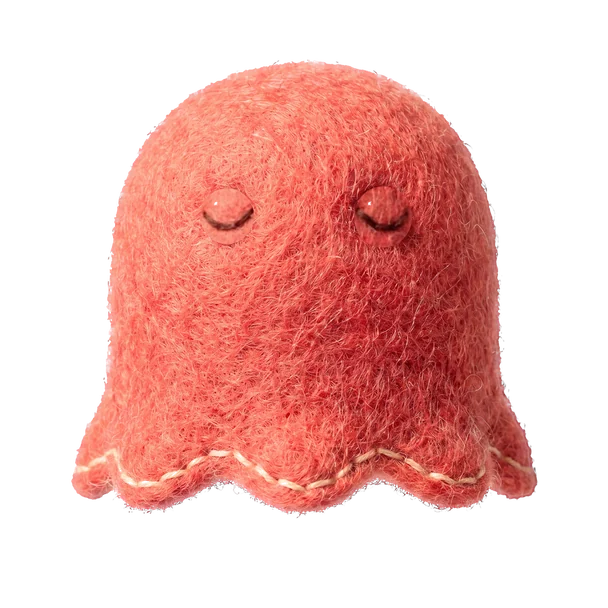
Mongle, the red felt character, with eyes open
What moves
Both eyes blink
What stays the same
Body shape, fur, and color

This is the original image with the eyes open.

For your own image

Specify what to change
and what to keep

“Make it move naturally” does not describe the result clearly enough. Attach the original image and explain both what should move and what should stay the same.

Replace “both eyes” and the details to preserve in the example, then copy it for your own task.

Three things to decide before you ask (Korean)

When the first result arrives

Compare the eyes
and the fur around them

In the intermediate result, the eyes are closed but a rounded boundary remains around them. Even if the expression is right, a change in the surrounding texture needs another revision.

View both images at the same size. Check that the color and fur around the eyes blend into the rest of the face.

View the original and finished animation (Korean)

Original & intermediate result

The original Mongle with both eyes open
OriginalThe reference image for comparison
An intermediate result with closed eyes but visible rounded boundaries and a different fur texture around them
Before the final revisionThe eyes are closed, but the finish needs work.

Look around the eyesThe rounded boundaries and differences in fur texture need to be corrected.

When you find something to fix

Instead of “more natural,”
point to the problem

Attach both the original and the result you want to revise. Explain what looks wrong and how it should change. Also specify what to preserve so the parts that work are not changed again.

Check the revised result both as a still image and in motion.

Three things to check after revision (Korean)

An example to adapt for a specific revision

When the eyes are closed, a rounded boundary around them is visible. Match the texture and color so the boundary blends into the surrounding fur. Keep the body shape, color, and background unchanged.
Problem
Rounded boundaries around the eyes
Revision
Blend the texture and color with the surrounding fur
Preserve
Body shape, color, and background

This is an example from SYNK's own work. The prompts have been rewritten as examples you can try. The motion shown here uses both image editing and web implementation.

Follow the process with images and prompts (Korean)
DESIGN NOTES / 2026.09The story behind the SYNK logo
A light SYNK logo on an ink-black background
SYNK LABSYNK SHIFTSYNK PULSE
A designer's real work with AI

Bringing a soft texture to the screen

We wanted to make the characters and objects from our screens in the real world, too. We designed their soft textures with objects you could touch and keep nearby in mind.

We built the Loom engine to bring those textures to the screen and make them feel alive through small movements and responses.

SYNK SHIFT CONVERSATION

Ask us
anything

What would you like to know?

For a consultation or application, select “Contact our team.”

Frequently asked questions

Contact our team

Tell us who the training is for, the work you want to improve, and any branding deliverables you need. We will discuss the scope and schedule with you.

Leave your question and an email address where we can reply.

Open the contact form (Korean)

This form uses Google Forms. After sending it, check for the submission confirmation message.

The Google enquiry form is in Korean. You can also email us in English at hello@synk.im.

If the form does not appear, open it in a new window ↗
How we handle contact form data ↗ (Korean)
SYNK / PUBLIC NOTES